Creating a WordPress blog is one of the quickest ways to establish an online presence. Below is a comprehensive guide to getting your WordPress blog up and running step-by-step.
Step 1: Choose the Right WordPress Platform
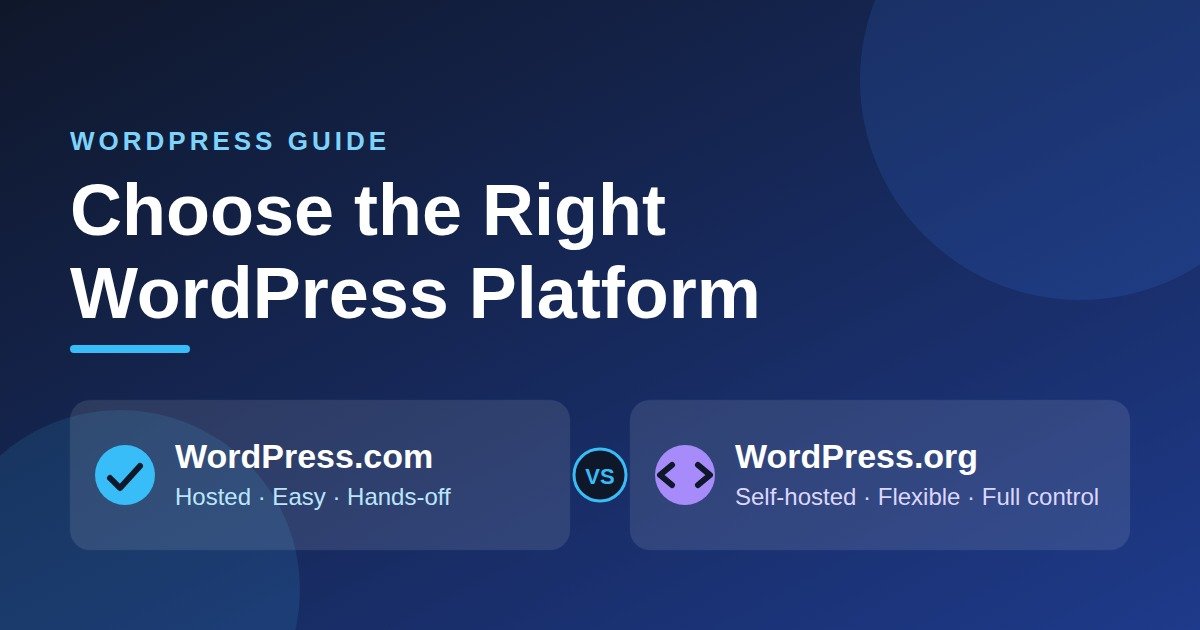 There are two versions of WordPress:
-
WordPress.org (Self-Hosted): Free software where you buy your own domain name and web hosting. It provides complete ownership, monetization freedom, and plugin support. (Recommended)
-
WordPress.com: A hosted solution with limited customization and monetization options on lower-tier plans.
Step 2: Get Domain Name & Hosting
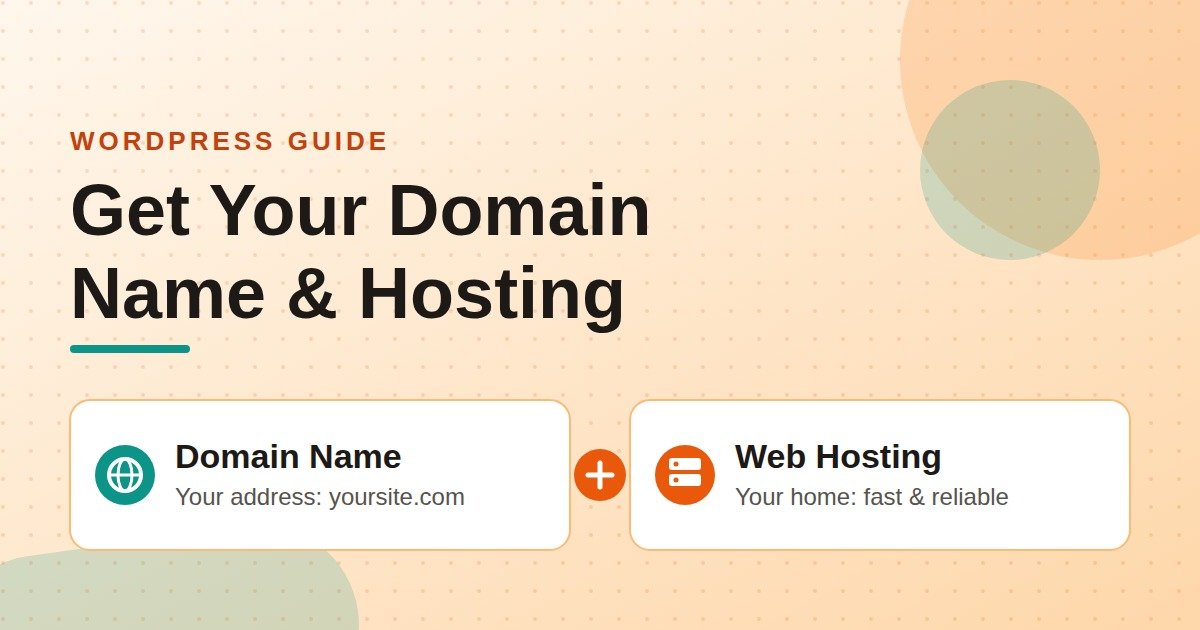 Your domain is your website address (e.g.,
 yourblogname.com), and your hosting is where your site’s files reside.
-
Pick a domain name that is catchy, short, and easy to spell.
-
Select a reliable hosting provider (e.g., Bluehost, Hostinger, SiteGround).
-
Purchase a hosting plan (a basic plan is sufficient for beginners) and register your domain through the host.
Step 3: Install WordPress
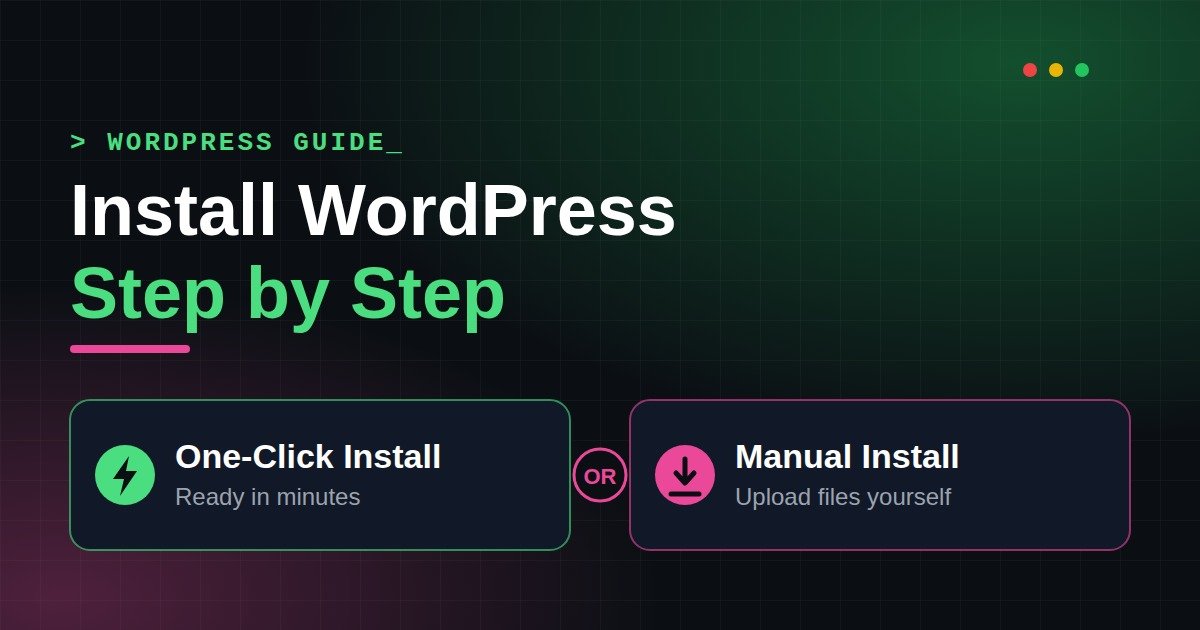 Most hosting providers offer 1-Click WordPress Installation:
-
Log into your hosting account dashboard.
-
Locate the Install WordPress or Website Builder section.
-
Select your registered domain and complete the setup wizard.
-
Save your WordPress Admin Login Details (username, password, and admin URL, which is usually
[yourdomain.com/wp-admin](https://yourdomain.com/wp-admin)).
Step 4: Pick a Blog Theme
 Your theme determines the layout and design of your blog.
-
Log into your WordPress admin dashboard (
[yourdomain.com/wp-admin](https://yourdomain.com/wp-admin)). -
Navigate to Appearance > Themes > Add New.
-
Search for beginner-friendly, lightweight blog themes (e.g., Astra, GeneratePress, Kadence, or OceanWP).
-
Click Install, then click Activate.
Step 5: Configure Key Settings
 Before publishing posts, set up these basic site configurations:
-
Permalinks (SEO Clean URLs): Go to Settings > Permalinks, select Post name, and click Save Changes.
-
Site Title & Tagline: Go to Settings > General to update your blog’s name and descriptive tagline.
-
Navigation Menu: Go to Appearance > Menus to create a primary menu for your main pages.
Step 6: Install Essential Plugins
 Plugins add features and security to your blog. Install these starters via Plugins > Add New:
-
SEO: Rank Math or Yoast SEO (helps rank your posts on search engines).
-
Security: Wordfence or Solid Security (protects against hacks).
-
Forms: WPForms (for creating a contact page).
-
Performance: LiteSpeed Cache or WP Rocket (speeds up site loading time).