
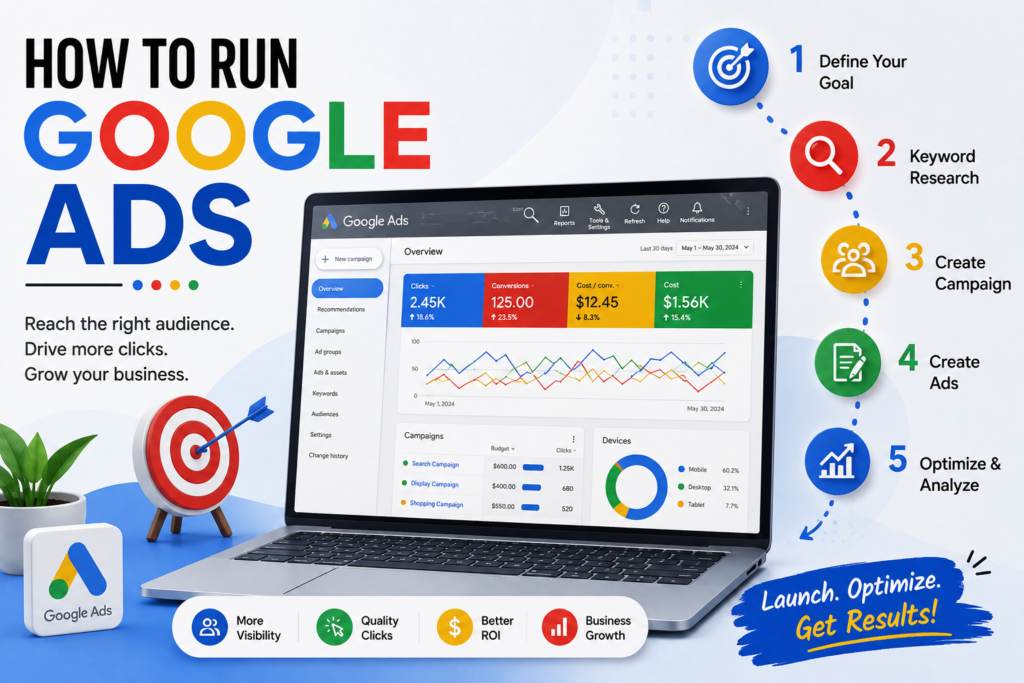
Running your first Google Ads campaign can feel intimidating, but it remains one of the most effective ways to reach customers at the exact moment they are looking for your products or services. Whether your goal is to boost website traffic, acquire leads, or increase sales, this step-by-step guide will walk you through setting up and launching a successful campaign.
1. Set Up Your Account and Define Clear Goals
 Before creating your first ad, set up a Google Ads account and decide what success looks like for your business.
-
Determine Your Primary Goal: Choose a clear objective—such as driving online sales, capturing phone leads, or building brand awareness.
-
Identify Your Target Audience: Outline who you want to reach, including their locations, languages, and demographics.
-
Establish Your Budget: Start with a daily budget you are comfortable with. You can always scale up or down based on performance.
2.Research and Select High-Intent Keywords
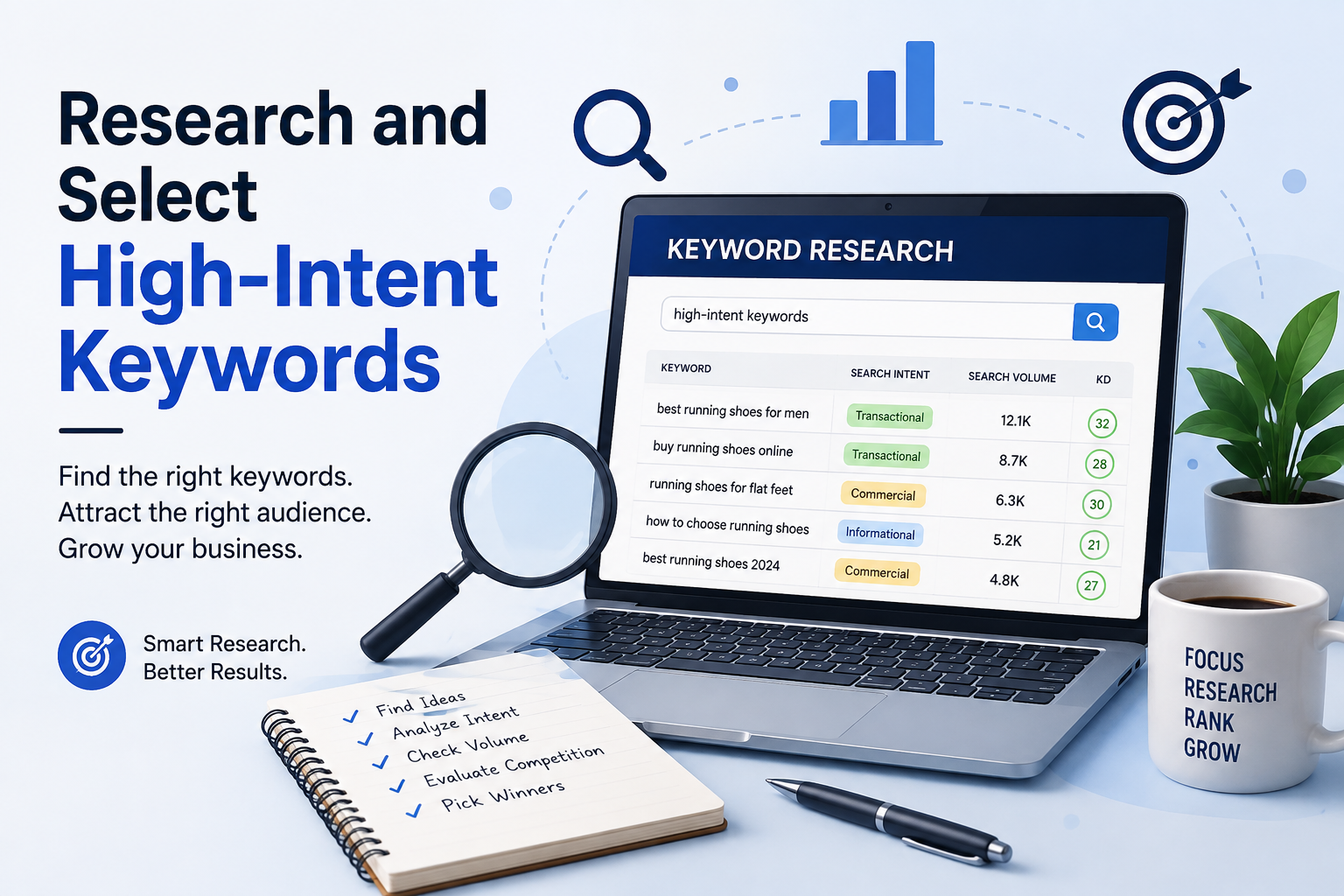 Keywords bridge the gap between what potential customers type into Google and the ads you show them.
-
Use Keyword Research Tools: Identify search terms, monthly search volumes, and estimated bid costs for your niche.
-
Focus on High Intent: Prioritize specific, long-tail phrases (e.g., “emergency plumber near me”) over overly broad keywords (e.g., “plumbing”).
-
Set Up Negative Keywords: Exclude irrelevant search terms (such as “free”, “jobs”, or “DIY”) to avoid spending money on unqualified clicks.
3. Organize Campaign and Ad Group Structures
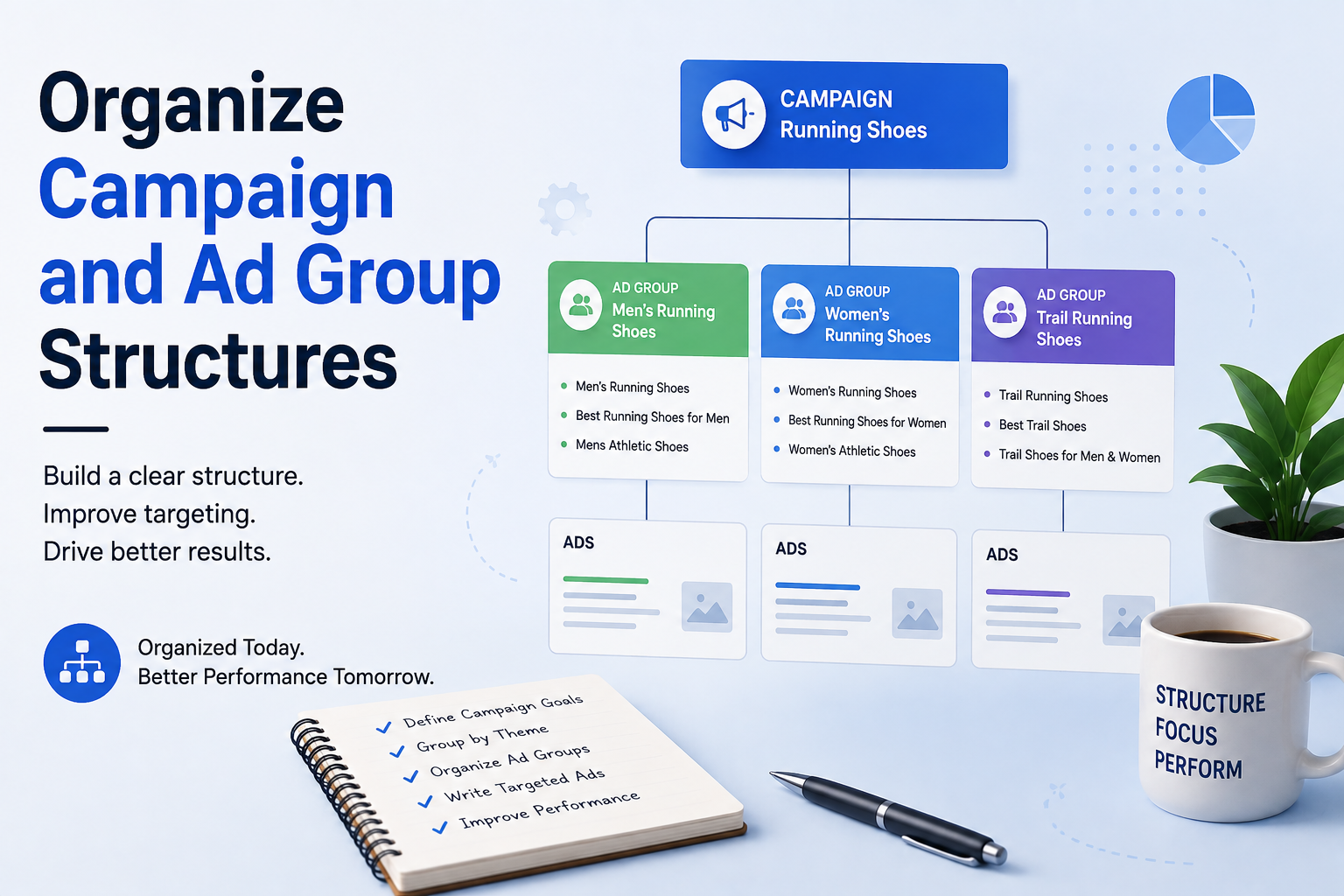 Proper account organization ensures your ads remain highly relevant to user searches.
-
Group by Specific Themes: Divide your campaign into tight, themed ad groups tailored to specific products or service lines.
-
Align Keywords and Ads: Match the keywords in each ad group directly to the ad copy and landing page for that specific group.
4. Write Compelling Ad Copy
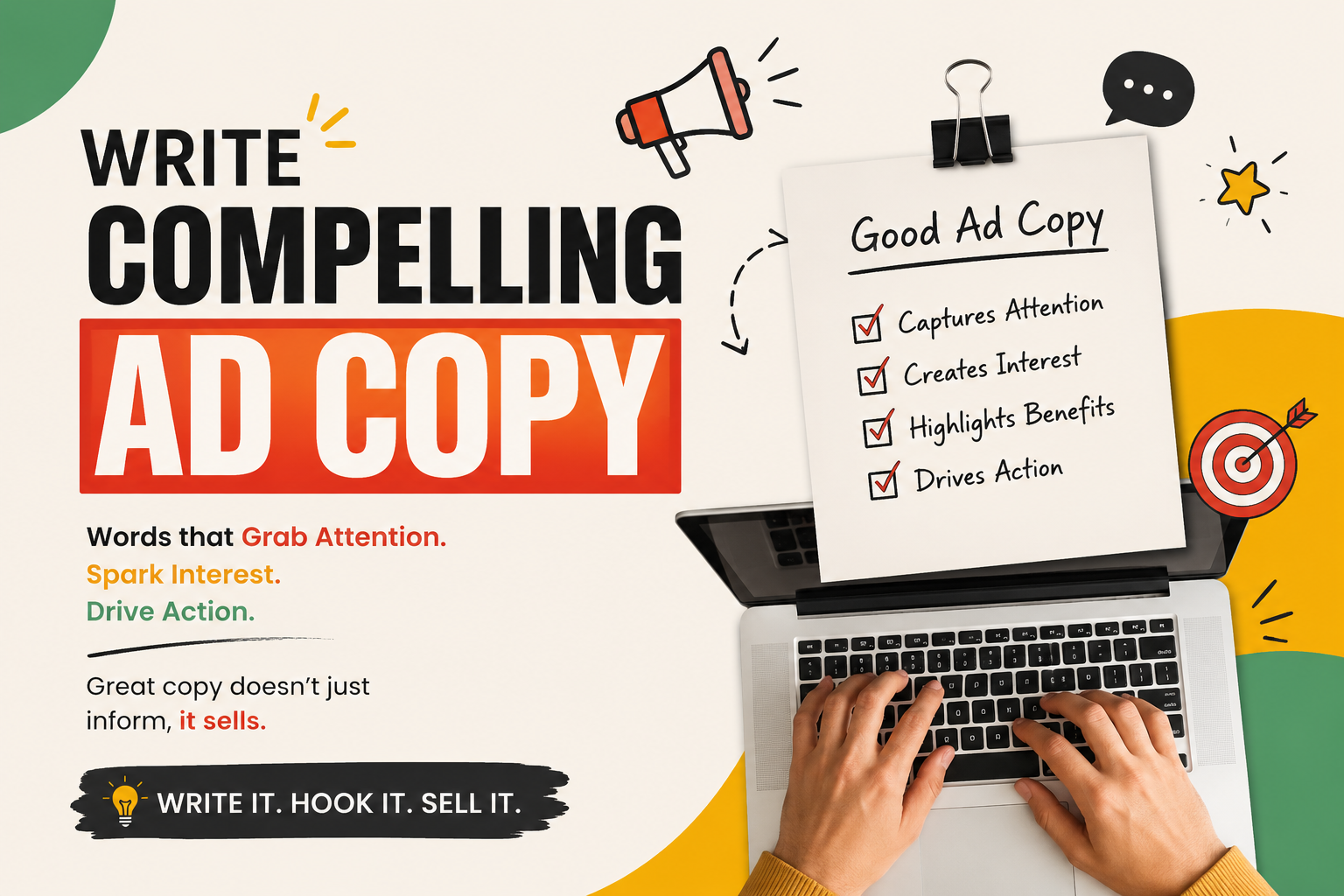 Your ad needs to capture attention and encourage clicks on a competitive search results page.
-
Draft Engaging Headlines: Include main keywords and point out unique selling propositions (e.g., “Same-Day Service”, “Free Shipping”).
-
Highlight Key Benefits: Focus on how your service or product solves the searcher’s problem.
-
Add a Clear Call to Action (CTA): Guide users on what to do next, such as “Get a Free Quote”, “Shop the Sale”, or “Book Online Today”.
-
Enable Ad Assets: Include sitelinks, callouts, and location information to enlarge your ad’s footprint and offer useful context.
5. Direct Traffic to Optimized Landing Pages
 The user experience after clicking your ad is crucial for conversions.
-
Maintain Message Match: Ensure the content on your landing page directly reflects the offer promised in your ad headline.
-
Prioritize Mobile Performance: Confirm that your website loads fast and works smoothly on mobile devices.
-
Simplify the Conversion Path: Place contact forms, sign-up buttons, or checkout links in clear, prominent locations.
6. Track Performance and Continuous Optimization
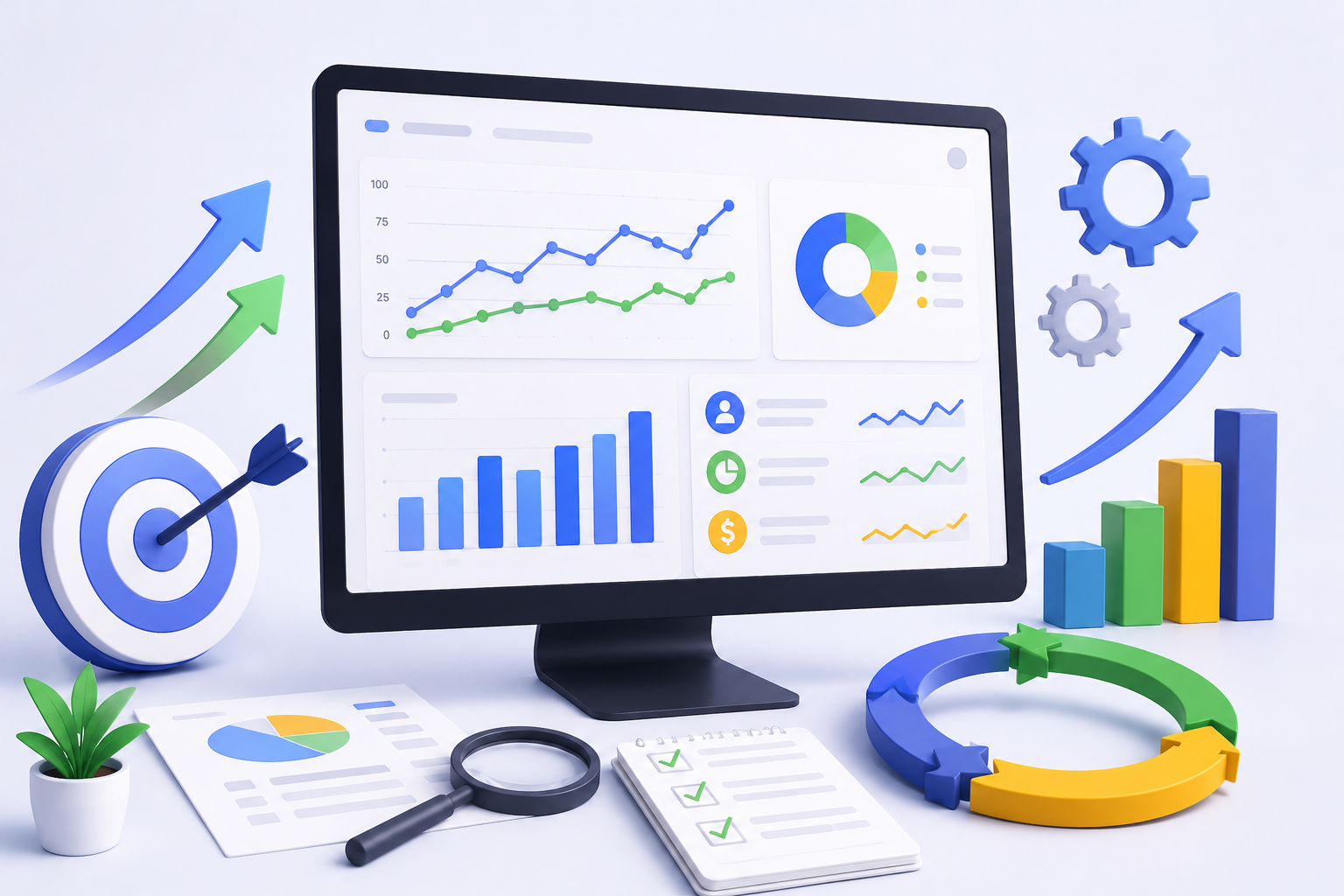 Launching the campaign is just the start—ongoing monitoring ensures maximum return on investment (ROI).
-
Set Up Conversion Tracking: Use Google Tag Manager or Google Analytics to measure form submissions, calls, or transactions.
-
Monitor Core Metrics: Regularly track Click-Through Rate (CTR), Cost Per Click (CPC), and Conversion Rate.
-
Refine and Adjust: Pause underperforming keywords, test new ad text, and adjust bidding strategies based on geographic and demographic data.