Meta Ads—covering both Facebook and Instagram—remain one of the most powerful toolkits for acquiring customers, capturing leads, and driving revenue. Unlike search ads that catch intent, Meta Ads excel at generating demand by visually interrupting your ideal buyers while they scroll. Whether you are launching your first paid campaign or looking to streamline your process, this step-by-step guide walks you through setting up and running Meta Ads effectively.
1. Set Up Your Foundation
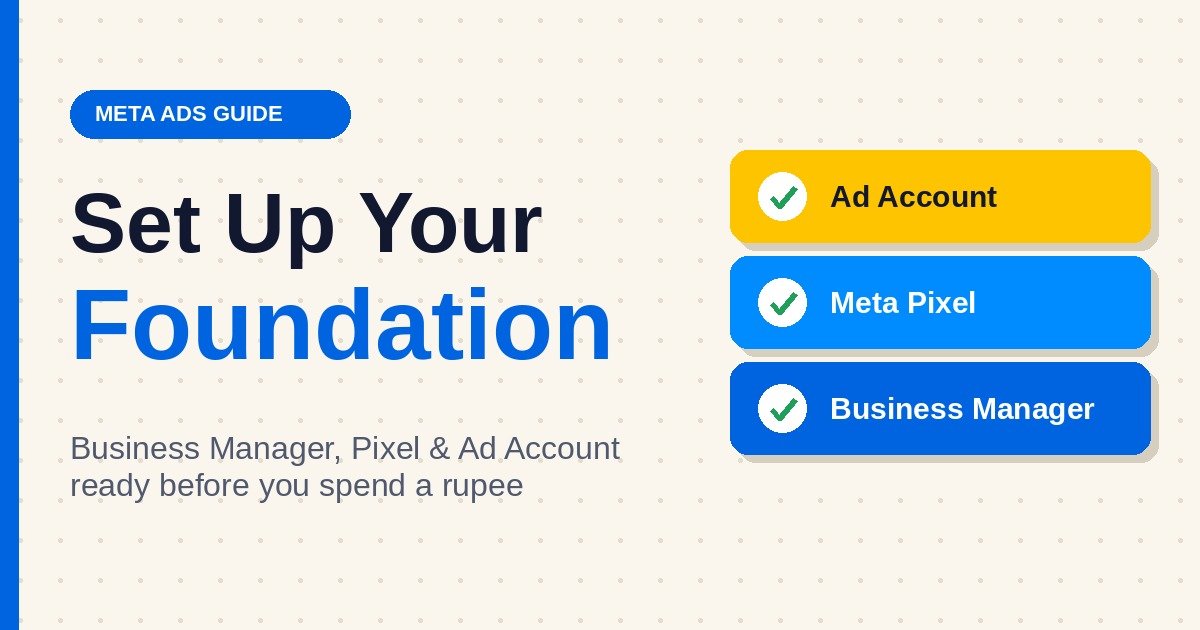 Before building your first ad, you need to establish your business account setup:
-
Meta Ad Account: Under your portfolio settings, add a dedicated ad account, configure your time zone, currency, and primary payment method.
-
Install Dataset / Meta Pixel: Install Meta’s tracking code on your website to monitor conversions (purchases, lead form submits) and build retargeting pools.
2. Understand the 3-Tier Campaign Structure
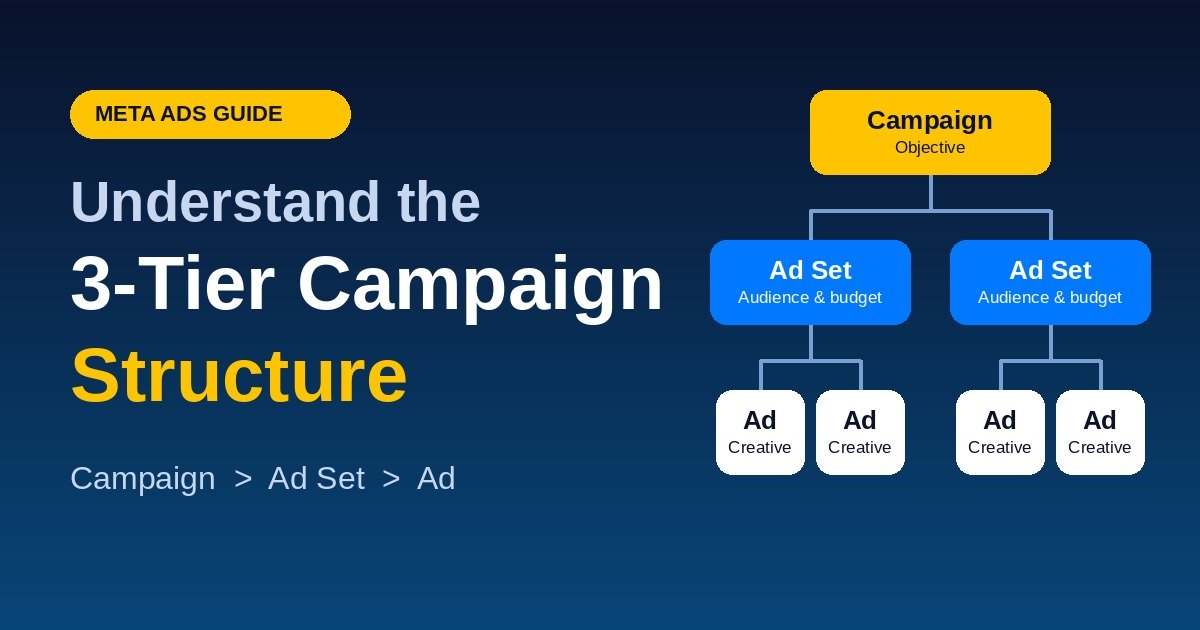 Meta builds every ad inside a three-part hierarchy:
1. CAMPAIGN (Your Main Objective)
    └── 2. AD SET (Audience, Budget, Placement, Bidding)
          └── 3. AD (Creative Visuals, Copy, Headline, CTA)
-
Campaign Level: Defines the overall business outcome you want to achieve.
-
Ad Set Level: Determines who sees the ad, where it appears, and how much you spend.
-
Ad Level: Focuses on the user experience—images, videos, text, and destination links.
3.Choose the Right Campaign Objective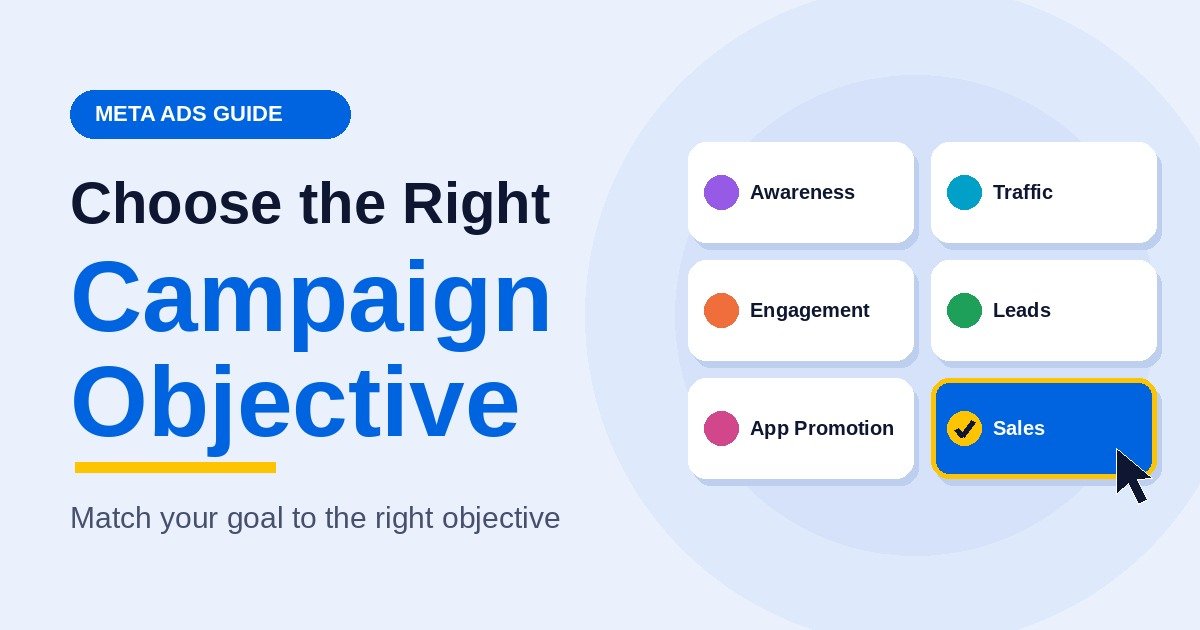
When you click + Create in Ads Manager, Meta will ask you to select one of six main objectives:
-
Sales: Best for e-commerce stores driving online purchases or catalog sales.
-
Leads: Ideal for service businesses, real estate, or B2B collecting form submissions and phone inquiries.
-
Traffic: Directs users to a specific website landing page or blog post.
-
Engagement: Increases post comments, likes, video views, or direct messages on Messenger and WhatsApp.
-
Awareness: Maximizes reach and brand recall across broad demographics.
-
App Promotion: Encourages app installs and in-app actions.
4. Define Your Audience & Targeting Strategy
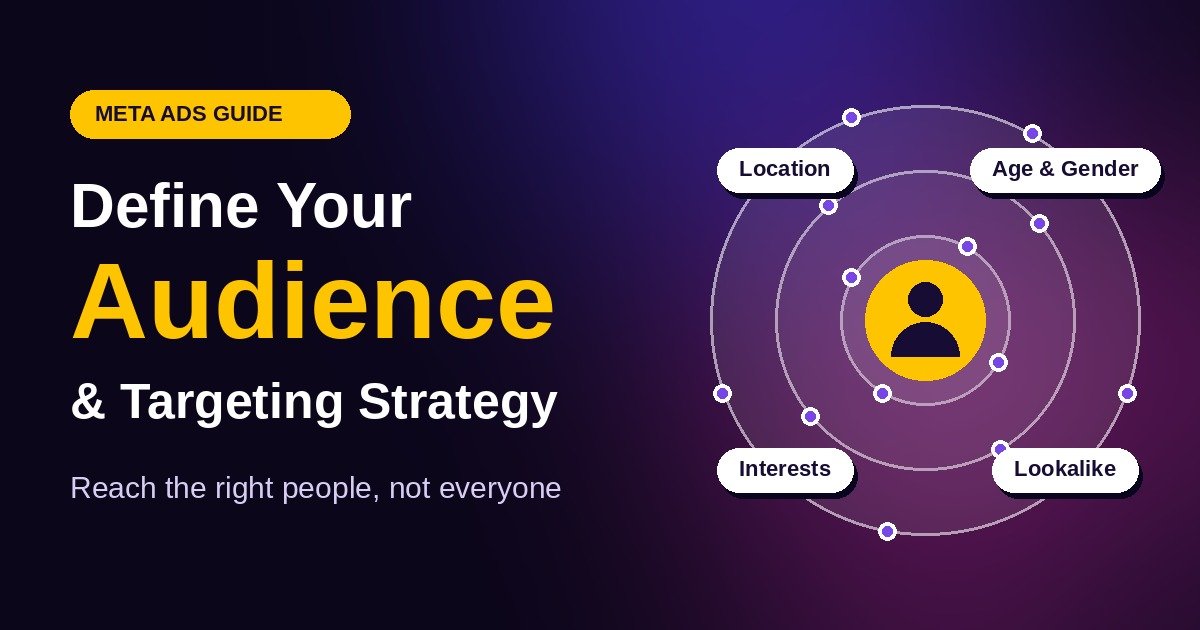 At the Ad Set level, you control who sees your ads:
-
Core Audiences: Select target locations, age brackets, genders, languages, and detailed interests or behaviors.
-
Custom Audiences: Target warm users who have already engaged with your website, Instagram profile, or customer email list.
-
Lookalike Audiences: Reach new prospective customers who share common traits with your existing buyers.
-
Advantage+ Targeting: Meta’s AI dynamically searches for potential customers beyond strict interest filters, prioritizing users most likely to convert.
5. Craft High-Converting Visuals & Ad Copy
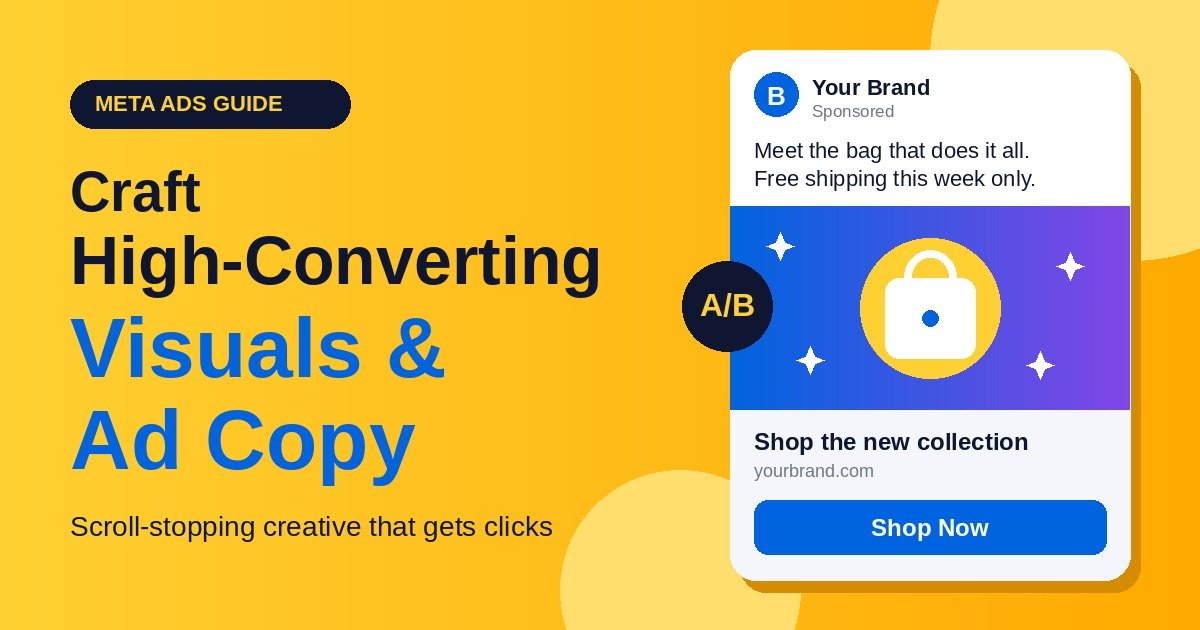 Your creative visual does 80% of the heavy lifting on Facebook and Instagram feeds.
-
Use Hook-Driven Formats: Short vertical video (Reels/Stories in 9:16 aspect ratio) and Carousel format perform exceptionally well for both product showcase and story-telling.
-
Write Problem-Agitating Copy: Start your text with a compelling hook addressing a target problem, highlight your solution’s benefits, and end with a explicit Call-To-Action (CTA).
-
Leverage Dynamic/Advantage+ Creative: Upload multiple image/video variations and headline combinations to allow Meta’s system to deliver the top-performing blend automatically.
6. Budgeting, Placements & Optimization
-
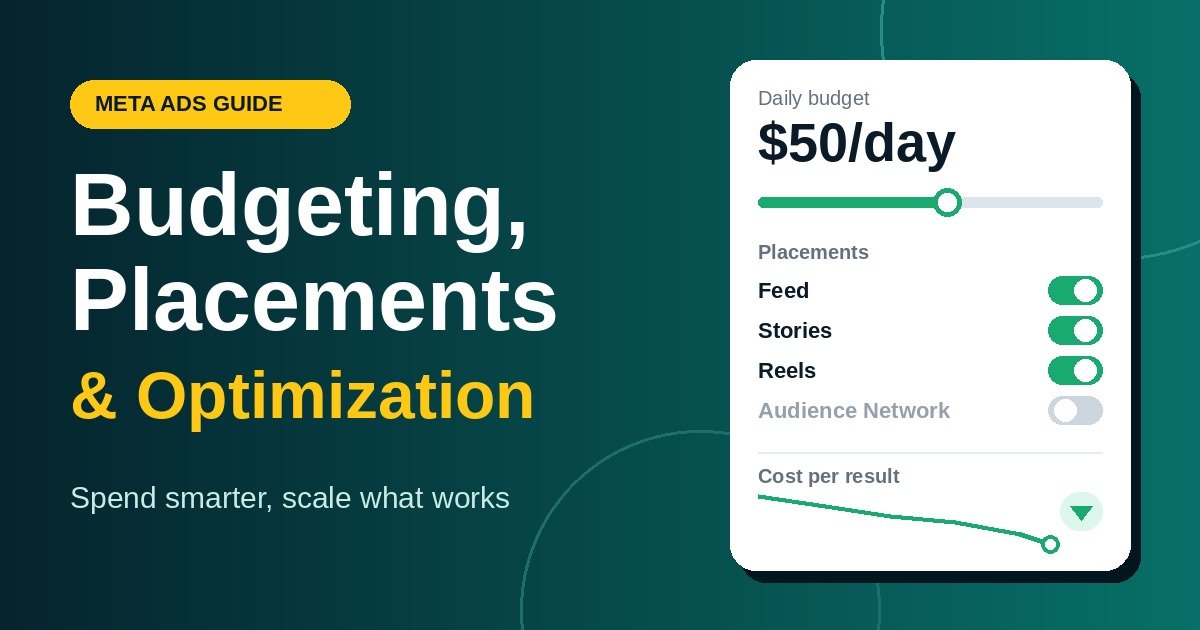 Placements: For beginners, leave Advantage+ Placements enabled. Meta will dynamically distribute your ads across Facebook Feed, Instagram Reels, Stories, Messenger, and Audience Network based on performance.
 -
Budget Strategy: Choose between Daily Budget (predictable, steady spending) or Lifetime Budget.
-
Analyze Key Metrics:
-
CTR (Click-Through Rate): Indicates if your creative visual and hook are capturing interest.
-
CPC / CPM: Cost per click and cost per thousand impressions.
-
CPA / Cost Per Result: How much you spend to acquire a single sale or lead.
-